I remember sitting at my desk last Tuesday, staring at a blank screen and feeling that familiar, heavy wave of decision fatigue. I had a vision for a new project, but I was completely paralyzed by the thought of expensive software subscriptions and the steep learning curves that come with them. We often fall into the trap of thinking that high-level creativity requires a high-level budget, but that’s just not true. In reality, the mental clutter of navigating overly complex programs can actually stifle your creative flow before you even begin. Finding the best free design tools isn’t just about saving money; it’s about lowering the barrier to entry so your ideas can actually breathe.
In this post, I’ve handpicked five essential resources that align perfectly with a mindful, efficient workflow. I’m not just looking for flashy features; I’m looking for tools that help you achieve your goals without the unnecessary friction. By the end of this list, you’ll discover how to curate a digital toolkit that allows you to design with intention and focus your energy on what truly matters. Let’s dive in and reclaim your creative rhythm.
Table of Contents
- Canva: The Intuitive Creative Partner
- Figma: Collaborative Flow Without the Chaos
- GIMP: The Powerhouse for Deep Focus
- Adobe Express: Quick Wins for Busy Days
- Inkscape: Precision for the Perfectionist
- Finding Your Creative Flow Without the Price Tag
- Focus Over Features
- Finding Your Creative Flow
- Frequently Asked Questions
Canva: The Intuitive Creative Partner
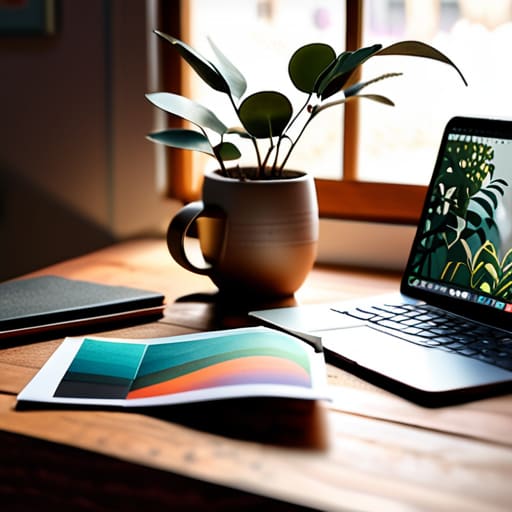
I remember when I first tried to design a simple mood board for my bullet journal, and I felt completely overwhelmed by professional software. That’s why I’ve always been a huge advocate for Canva. It removes that initial friction of starting, which is often the biggest psychological hurdle to being productive. Instead of staring at a blank screen, you’re greeted with templates that guide your eye and give you a sense of immediate momentum.
Figma: Collaborative Flow Without the Chaos
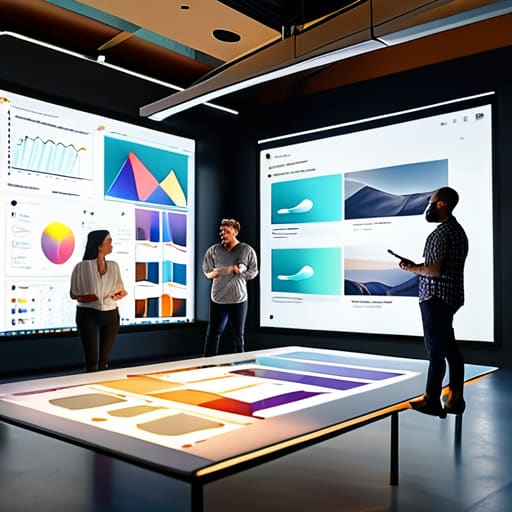
In my consulting work, I often see teams struggle with “version control fatigue”—that exhausting cycle of emailing files back and forth. Figma is a total game-changer for anyone who needs to brainstorm or design in a digital space. Because it’s browser-based and built for real-time collaboration, it mimics the natural rhythm of a brainstorming session but with much more precision and organization.
GIMP: The Powerhouse for Deep Focus
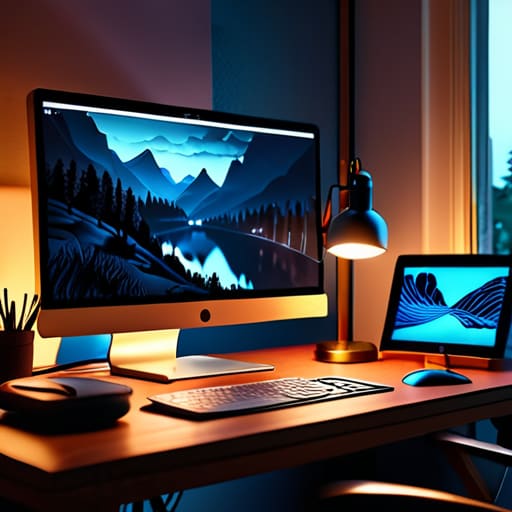
Sometimes, you need to go a bit deeper than a template allows, and that’s where GIMP comes into play. While it has a steeper learning curve than some of the more “snappy” tools, there is something incredibly grounding about mastering a robust, open-source software. I like to think of it as the deep work equivalent of the design world; it requires patience and intention, but the control you gain is unparalleled.
Adobe Express: Quick Wins for Busy Days
We all have those days where our to-do list feels like it’s swallowing us whole, and we simply don’t have the cognitive bandwidth for a deep dive into complex editing. On those days, I turn to Adobe Express. It’s designed for those rapid-fire moments where you need to create a high-quality graphic for social media or a quick presentation slide without breaking your flow.
Inkscape: Precision for the Perfectionist
As someone who finds immense peace in the clean lines of a well-drawn planner, I have a soft spot for vector graphics. Inkscape is my go-to free tool when I need to create scalable graphics that stay crisp no matter how much I resize them. There is a certain psychological satisfaction in creating something mathematically precise and infinitely adaptable.
Finding Your Creative Flow Without the Price Tag
Don’t let the fear of expensive software stall your momentum; the best tool is the one that actually gets you moving, not the one that adds more complexity to your mental load.
Focus on choosing tools that minimize friction and maximize your ability to do meaningful work, rather than getting distracted by every shiny new feature.
Remember that design is a mindset of intentionality, and using free resources allows you to experiment and find your unique rhythm without the pressure of a heavy financial investment.
Focus Over Features
“The most effective design tool isn’t the one with the most buttons or the flashiest interface; it’s the one that stays out of your way and lets your ideas breathe without adding to your mental load.”
Ella Thompson
Finding Your Creative Flow
As we wrap up this toolkit, I want you to take a moment to look back at the options we’ve explored. Whether you found your perfect match in the intuitive layouts of Canva, the precision of Figma, or the streamlined simplicity of other free platforms, the goal remains the same: removing the friction between your ideas and their execution. Remember, the “best” tool isn’t necessarily the one with the most bells and whistles; it’s the one that minimizes mental clutter and allows you to enter a state of flow without fighting against a steep learning curve. By selecting a tool that aligns with your current skill level, you are effectively protecting your cognitive energy for the actual act of creation.
At the end of the day, I want to remind you of something I often tell my coaching clients: don’t let the pursuit of the perfect setup become a form of procrastination. It is so easy to fall into the trap of “productive procrastination,” where we spend hours tweaking settings instead of actually designing. Use these tools as a bridge, not a destination. Your creativity is a finite and precious resource, so use these digital helpers to clear the path so you can focus on what truly matters—your unique vision. Now, go ahead, pick one tool, and start making something meaningful today.
Frequently Asked Questions
Will using free tools limit my ability to scale my projects as my business or creative needs grow?
It’s a valid fear, but here’s the psychological truth: complexity often breeds procrastination. While free tools have ceilings, they aren’t permanent roadblocks; they are stepping stones. Think of them as your training wheels. Using them allows you to master the fundamentals of design without the heavy financial pressure. As your vision expands, your workflow will naturally demand more robust software. Don’t let the fear of future scaling stop you from starting your creative rhythm today.
How can I avoid the "analysis paralysis" that comes with having too many design options at my fingertips?
I’ve been there—staring at a blank canvas, paralyzed by a thousand font choices and color palettes. When I feel that overwhelm creeping in, I lean on a rule I learned in my psych studies: limit your initial variables. Pick just two fonts and a three-color palette before you even start. By setting these “creative guardrails” early, you stop fighting the tools and start focusing on the actual intent behind your design.
Are there specific ways to integrate these free tools into my existing workflow without adding more mental clutter?
The secret is to avoid the “shiny object syndrome.” I always tell my clients: don’t let your tools become another chore on your to-do list. Instead of layering them on top of everything, pick one tool to anchor a specific task—like using Canva solely for social graphics. Integrate it into your existing routine, perhaps during a scheduled “creative block,” rather than letting it hover in the background. Keep it intentional, or it just becomes digital noise.
